


Scan your whole stack


From OX Research Newsroom






Latest version: v1.33.0
Agent360 Browser MCP was last scanned on 27 Nov 2026 at version 1.33.0. Risk score 0 of 100. No malicious behavior was detected.
| Version | Published | Status |
|---|---|---|
| 1.33.0 LATEST | 27 Nov 2026 | No rules fired |
| 1.31.0 | 29 Oct 2026 | No rules fired |
| 1.30.3 | 15 Oct 2026 | No rules fired |
| 1.30.2 | 14 Oct 2026 | Not shown |
| 1.30.1 | 7 Oct 2026 | Not shown |
Findings for v1.33.0. The score is a capped sum of the weights of the rules that fired — not CVSS, not exploitability, and not a probability. It is not comparable across packages with different scan coverage.
The score describes 1.33.0; other versions have their own rules, not their own score.
The publisher’s own README, as collected from the registry.
The browser tool that can stop and ask you. A 2FA code, a CAPTCHA, a choice only you can make: it asks on your own screen, then carries on in the same signed-in Chrome.
Not browsermcp.io - this is Agent360 Browser MCP (@agent360/browser-mcp).
It drives the Chrome you are already signed into: no login step to fail, no API key to wire up, no fresh profile that is a stranger to every account you have. Up to 20 agents at once, each in its own colour-coded tab group. 41 tools, MIT, runs on your machine.
→ What it can and cannot get past - every wall, marked measured, by design, not yet, or won't. Including the ones we have not fixed.






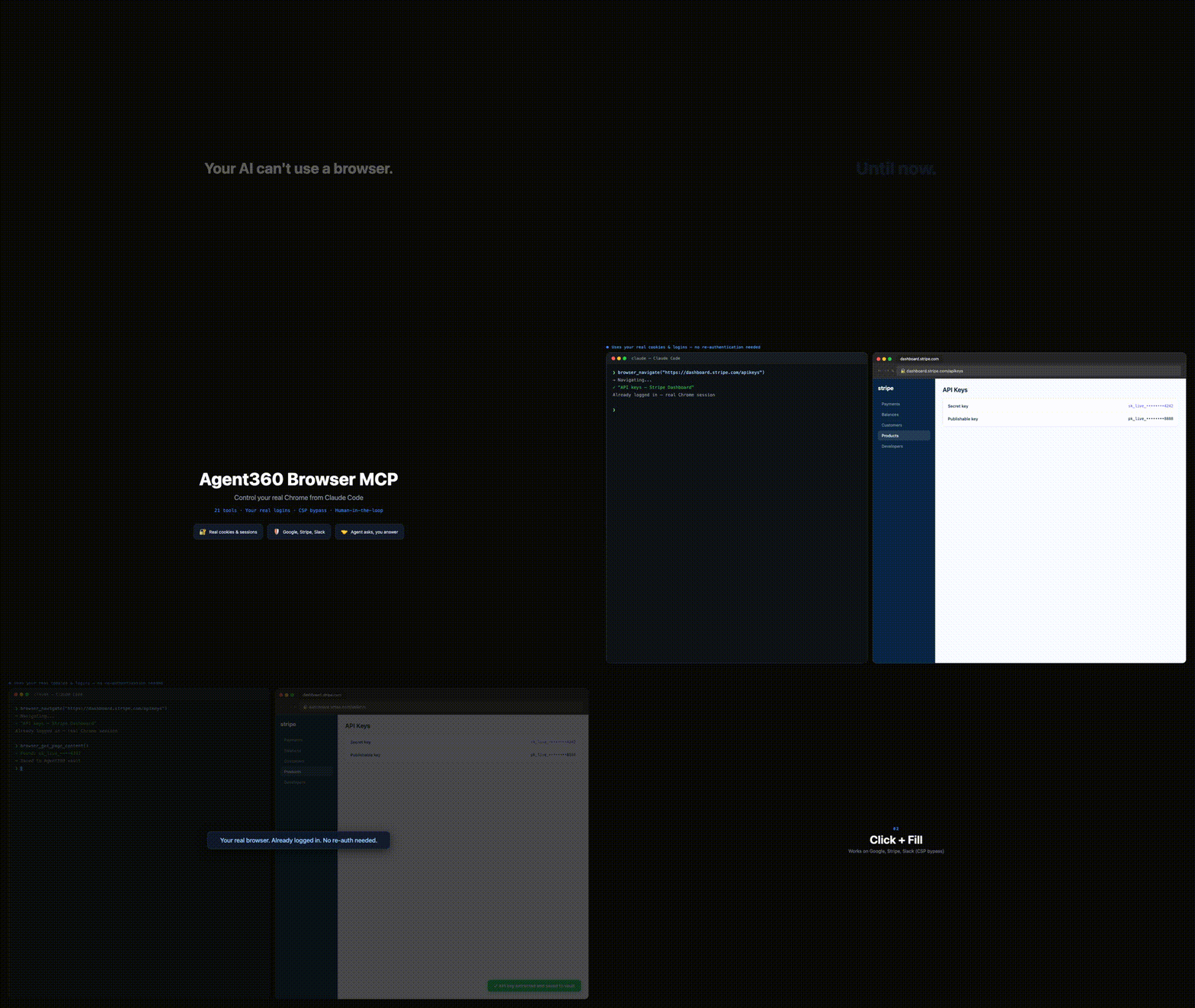
⭐ If it saves you a login dance, star it on GitHub - it helps the next person find it. Weighing it up? See how it compares with Playwright MCP and BrowserMCP.io.
Agent360 Browser MCP gives Claude Code (and MCP clients that run local servers, such as Cursor and VS Code agent mode) control of your actual Chrome: your cookies, your sessions, your 2FA. So it works on CAPTCHA, 2FA and anti-bot sites where Playwright and Puppeteer get blocked - because it's you browsing.
The killer move: it hits a login wall, opens your Gmail, reads the verification code, and continues the sign-in. There is no email API to set up. Operate platforms with no API, QA your own web app end-to-end, or work dashboards, LinkedIn and Reddit at human pace - with you approving the sensitive steps.
41 tools. Auto-clicks the reCAPTCHA v2 checkbox, with a human fallback for the rest. Multi-session color-coded tab groups. MIT, free, and it runs on your machine - no account, no telemetry, nothing sent to us.
Rather not do it by hand? Paste this to your AI assistant - Claude Code, Cursor, Codex, VS Code, Windsurf, Cline - and it sets itself up:
Set up Browser MCP for me. Read https://browsermcp.dev/llms-install.md and follow it for whichever AI client you are running in. One step only I can do - tell me which one, and wait for me. When I confirm, call
browser_list_tabsto prove both halves are talking.If you cannot open URLs:
npx @agent360/browser-mcp install
It reads the same guide the four steps below spell out by hand. One step stays yours either way: Chrome will not let an extension install itself, so you load it once.
1 - Install the Chrome extension. One click from the Chrome Web Store; Chrome keeps it updated. No store? See the unpacked install.
2 - Add the MCP server. Paste this in a terminal. Required - the extension does nothing on its own:
claude mcp add --scope user browser-mcp -- npx @agent360/browser-mcp@latest3 - Restart Claude Code. That is what starts the server. The extension shows no badge until step 4 - the server only takes a port the first time your agent actually uses the browser. A green badge with the number of connected agents appears then; nothing on the icon before that is normal. (The icon itself never changes colour - it is the badge that turns green.)
4 - Say this, to check it worked. Paste it to Claude Code:
Open example.com and take a screenshot.
You get an image back instead of "I don't have browser access". That's it - you're running. → What else to say
Using Cursor, VS Code, Codex or Windsurf? Same server, that client's own config - the prompt at the top handles it, or see browsermcp.dev/docs. Unpacked install, the zip, and the store path on its own: the long version.
The four steps above are the install. File-picker details, the zip, and the store path on its own are in the long version. Same text, including the two-halves warning: the extension alone sits on "Not connected" until the server is registered.
Nothing happens until you ask, and the hardest part of a new tool is knowing what to ask for. Paste one of these to your agent (where it says example.com, put your own site):
| Say this | What it shows |
|---|---|
| "Open example.com and take a screenshot." | Start here. An image back instead of "I don't have browser access" means both halves are talking. That is the whole install test. |
| "Open Gmail and tell me who sent my last 3 emails." | The one that shows the difference - it works because it is your browser, already signed in. A fresh headless browser would hit a login wall here. |
| "Go to my analytics dashboard, pull this month's numbers, and put them in a table." | A dashboard you are signed into in this Chrome. No API key, no export, no integration to build first. |
| "Fill in the signup form at example.com/signup with my details. Stop and ask me before anything sensitive." | You stay in the loop - the agent can pause and ask you before passwords, payment details, or anything it should not decide alone. |
| "Log me in at app.example.com. If it emails a code, open Gmail, read the code and continue." | The move that needs no email-API setup: it opens your Gmail, reads the one-time code and finishes the sign-in. |
| "Walk through my app's signup flow as a real user and tell me where it breaks." | End-to-end QA of your own product, in the same browser your users have. |
The pattern: many of the browser tasks you would do yourself, on sites you are already signed into. It is strongest where there is no API - internal dashboards, admin panels, portals, LinkedIn. Built something good? Add it to the gallery.
| Browser MCP | Playwright MCP | BrowserMCP.io | |
|---|---|---|---|
| Browser | Your real Chrome, via extension | Persistent profile by default, or your Chrome via their extension | Your real Chrome |
| Maintained | Actively - latest release v1.33.0 (2026-11-27) | Actively (Microsoft) | Actively - latest npm 2.5.0 (2026-11-12), after no public commits from 2025-04-24 to 2026-10-27 |
| Logins/cookies | Your existing session | Persistent profile keeps logins between runs | Already authenticated |
| Several agents, one logged-in profile | 20 concurrent, each with its own color-coded tab group | Also supported: their extension gives each connected client its own coloured tab group | Supported: each AI app gets tabs of its own; no limit documented |
| Human-in-the-loop | browser_ask_user - 2FA, CAPTCHA, credential input |
72 documented tools (counted 2026-11-22), with no tool that asks you a question mid-task and takes your answer; browser_annotate (opt-in, --caps=devtools) waits for you to mark up the page, but asks nothing (checked 2026-11-22) |
A pairing click at setup; no mid-task prompt documented |
| Token-finding guides | 9 built-in (Stripe, HubSpot, Slack...) | None | Not documented |
| CORS bypass | browser_fetch from extension background |
N/A | Not documented |
| Network monitoring | browser_wait_for_network via CDP |
Built-in | requests lists a tab's last 500 requests |
| CSP-strict sites | Chrome Debugger API throughout | Works | Chrome Debugger API, via Playwright over CDP |
| Custom dropdowns | Angular Material, React Select support | Works | Not measured |
| Install | claude mcp add + extension from the Chrome Web Store |
npx @playwright/mcp |
npx @browsermcp/mcp + Chrome Web Store |
The reason this works where headless dies is not that it slips past anything. It is that there is nothing to slip past: it is your Chrome, your session, your consent. What is left is the hard part - pages that fight any automation because of how they are built.
Every release is gated on a flow test against a real Chrome that has to survive exactly those: all 41 tools are exercised, and the gate also checks that the extension Chrome is running is the one being released - not another copy with the same version number. The failures that do show up are honest ones: mouse events are not delivered to a tab that is not in front, and the tools say so instead of reporting success. What the test covers
fill sticks in a React-style controlled fieldclick refuses a 0×0 element instead of hitting (0,0), and says so
when the page never took the eventFind threats in your stack.
OX Radar can check high-priority threats, like critical package CVEs, against your context.
Each incident is marked Detected or Not Detected with a remediation plan and proof all tracked in the Response Center.
The probe returned only these fields for this server — auth requirement, protocol and tool list weren’t observed, so they’re not shown (never guessed).
The publisher’s own links, as the registry reports them. These are not sources for the assessment on this page.
 Read the latest findings