
Scan your whole stack








Are you using roadmark?
Find out what’s in your code.
Scan your apps free in minutes (opens in a new tab) Read the latest findings
Latest version: v0.1.0
roadmark was last scanned on 26 Nov 2026 at version 0.1.0. Risk score 0 of 100. No malicious behavior was detected.
| Version | Published | Status |
|---|---|---|
| 0.1.0 LATEST | 26 Nov 2026 | No rules fired |
| 0.0.0-stage | 26 Nov 2026 | Not shown |
Findings for v0.1.0. The score is a capped sum of the weights of the rules that fired — not CVSS, not exploitability, and not a probability. It is not comparable across packages with different scan coverage.
The score describes 0.1.0; other versions have their own rules, not their own score.
The publisher’s own README, as collected from the registry.
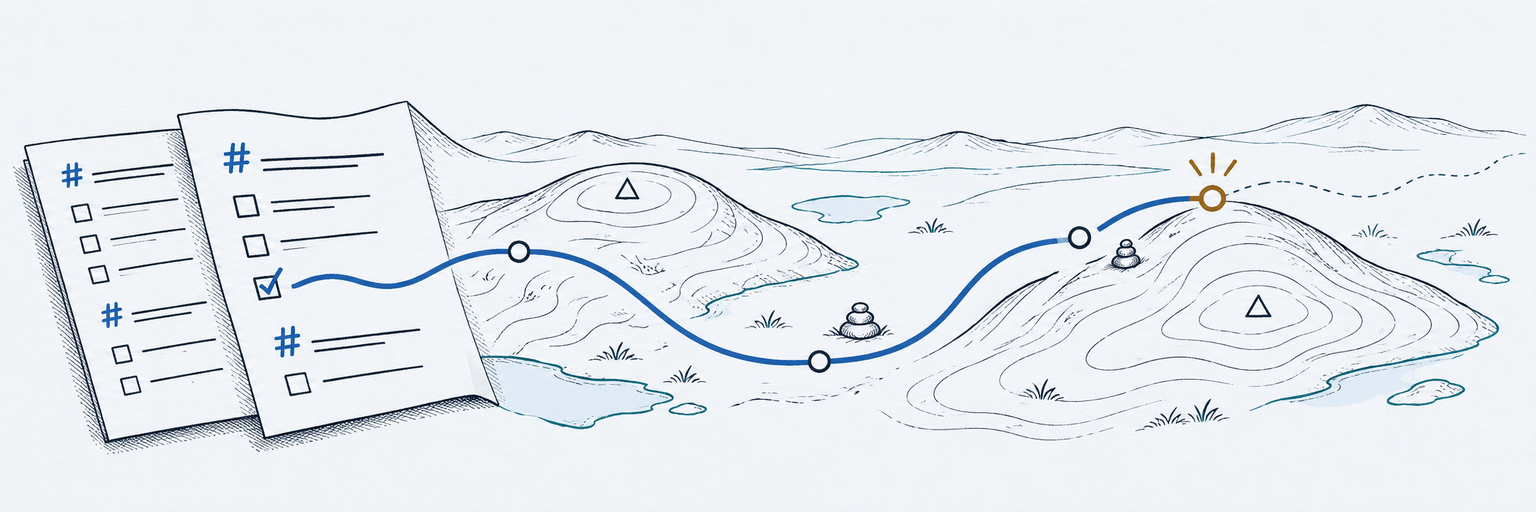


Keep a product roadmap in Git and publish it as a searchable static site. Each feature set has a README and a folder of Markdown or MDX items. An item's frontmatter assigns its release. The site derives release scope, dependency backlinks, person and team profiles, and the timeline from those files.
You need Node.js 26 or later.
npx roadmark init my-roadmap --template ai-sandbox
cd my-roadmap
npx roadmark lint --strict
npx roadmark dev
Open the address printed in the terminal. The ai-sandbox template plans the launch of Cloche, a fictional agent sandbox product, across 5 releases, 11 feature sets and 40 items, with screenshots, code samples and Mermaid diagrams. Start from --template blank (the default) for a small skeleton: one feature set, two items with a dependency, one release, one person and one team.
init also writes an AGENTS.md that points coding agents at roadmark guide and roadmark help --json, which describe the commands, the file format and how to fix lint output.
| Command | Use |
|---|---|
roadmark init [dir] [--template blank\|ai-sandbox] |
Copy a starter into a workspace. Existing files are never overwritten. |
roadmark new set\|item\|release <slug> |
Create one document. Use --set and optionally --release for an item. |
roadmark lint [--strict] [--json] |
Resolve the entire workspace and report errors and warnings with source locations. |
roadmark dev |
Watch the roadmap and serve the latest successful build with live diagnostics. |
roadmark build --out dist --base /product/roadmap/ |
Compile pages, media and search data for a static host. |
roadmark preview --dir dist |
Serve the published directory at its configured base path. |
roadmark schema item |
Print the editor schema for an entity. |
roadmark guide |
Print the authoring guide: layout, frontmatter, IDs, dependencies and lint output. |
roadmark help --json |
Print every command, flag, template and the guide as one JSON document. |
The new-set template picks the first configured PM and engineering team in ID order. A new release starts with today’s UTC date as its target. Review those fields when writing the brief.
Set --root to read a workspace outside the current directory. Output paths are relative to the working directory. Lint and build return 1 for content failures and 2 for invocation or filesystem errors. Strict mode also fails on warnings.
roadmark lint --strict
roadmark build --base /product/roadmap/ --out dist
roadmark preview --dir dist
Upload the contents of dist/ to the same prefix on a host that serves directory indexes. The site contains its own HTML, styles, scripts, fonts, search index and referenced media. Pages read fine without JavaScript; search and filters load as module scripts, which browsers only run over HTTP, so open the site through a server rather than from file://. Choose the host's access settings for your intended readers. Editing and approvals happen in Git. Jira keys link to the configured Jira instance.
Manage names and membership in people.yaml and teams.yaml. The site opens on Releases: one table of releases grouped by the quarter or month they land in (a shipped release under its ship month, undated releases last), with a search field and status filter. The header links to Releases, Feature sets, Items, Timeline, People and Teams; on narrow screens they sit behind the menu button. Press / or ⌘K on any page to search titles, people, teams and Jira keys; on Items, / focuses the item search. Open Items to browse work grouped by feature set or search by title, topic, or Jira key. Feature sets lists product areas; each set has an Overview tab with its description and facts and an Items tab with its work sorted by target. Each record page keeps its status, dates, owners and links in a facts rail beside the brief; open a person or team from there to see their assigned work. Narrow any list with the filter chips (status, release, feature set, team or involvement), then switch to the profile’s timeline or share its URL. The optional brand.yaml (example) sets typefaces, tracking, line height, colors, the workspace logo and the page background.
Authoring guide · Branding guide · Field reference and JSON Schemas · Verification and pilot
Find threats in your stack.
OX Radar can check high-priority threats, like critical package CVEs, against your context.
Each incident is marked Detected or Not Detected with a remediation plan and proof all tracked in the Response Center.
The probe returned only these fields for this server — auth requirement, protocol and tool list weren’t observed, so they’re not shown (never guessed).
The publisher’s own links, as the registry reports them. These are not sources for the assessment on this page.
Read the latest findings