
Scan your whole stack


From OX Research Newsroom






Are you using agitrack?
Find out what’s in your code.
Scan your apps free in minutes (opens in a new tab) Read the latest findings
Latest version: v0.6.36
agitrack was last scanned on 26 Nov 2026 at version 0.6.36. Risk score 0 of 100. High-severity rules fired.
| Version | Published | Status |
|---|---|---|
| 0.6.36 LATEST | 26 Nov 2026 | 1 rule fired |
| 0.6.35 | 23 Nov 2026 | 1 rule fired |
| 0.6.34 | 21 Nov 2026 | 1 rule fired |
| 0.6.33 | 3 Nov 2026 | Not shown |
| 0.6.32 | 3 Nov 2026 | Not shown |
Findings for v0.6.36. The score is a capped sum of the weights of the rules that fired — not CVSS, not exploitability, and not a probability. It is not comparable across packages with different scan coverage.
Several behaviors that are each common on their own, such as reading registry credentials, contacting a variable host or running shell commands, appear together in this package in a combination associated with attacks. The finding message lists the behaviors that were combined.
HIGHThe score describes 0.6.36; other versions have their own rules, not their own score.
The publisher’s own README, as collected from the registry.


aGiTrack stands for agent + git tracking. It's a command-line tool that runs an AI coding agent for you and turns each change the agent makes into a git commit automatically — with a record of what you asked, what the agent did, and how many tokens it used. You get a clean, reviewable git history of the AI's work without committing anything by hand.
You can use Claude (Claude Code), Codex (OpenAI's Codex CLI) or OpenCode as the AI agent — they're interchangeable, and every aGiTrack feature works the same way with any of them. Support for more agents is planned.
aGiTrack runs on macOS, Linux, and natively on Windows (PowerShell / Windows Terminal — no WSL required; WSL still works too). It works in the common terminal apps (iTerm2, Apple Terminal, Alacritty, kitty, GNOME Terminal, Konsole, tmux, the VS Code terminal, and Windows Terminal); on a terminal that lacks some advanced features, it still works, just with fewer visual frills. On Windows it drives the agent through a pseudo-console (ConPTY); the sandbox that confines agent writes is macOS/Linux-only, so on Windows the agent runs unconfined (aGiTrack instead warns if the agent edits the base repo outside its worktree).
You need git and at least one AI agent — Claude Code, Codex CLI or OpenCode — installed and on your PATH. The dashboard can also use the GitHub CLI (gh) to show each commit's author by their GitHub username: install it from cli.github.com and run gh auth login. gh is optional — without it, the dashboard still works and just groups authors by email instead.
aGiTrack is a Python package (Python 3.10+), installed with pip or pipx. On Windows you can instead use a standalone MSI that needs no Python at all. Pick your OS below — each section is self-contained. Once installed, aGiTrack keeps itself up to date (see Self-update); the PyPI distribution, the importable package, and the command are all named agitrack.
python3 --version; if it's missing, brew install python.pip3 install agitrackIf pip refuses with an "externally-managed-environment" error (PEP 668 — common with Homebrew's Python), use pipx instead; it isolates aGiTrack and puts it on your PATH:
pipx install agitrackgh (lets the dashboard show authors by GitHub username):brew install git
curl -fsSL https://claude.ai/install.sh | bash # Claude Code …
npm install -g @openai/codex # … or Codex
npm install -g opencode-ai # … or OpenCode
brew install gh # optionalaGiTrack runs natively on Windows (PowerShell / Windows Terminal — WSL not required). Two ways to install — pick one:
Option A — standalone MSI (no Python needed). Each release ships a self-contained installer that bundles its own Python (built with PyInstaller), so it runs on a machine with no Python or pip at all.
agitrack-<version>-windows-x64.msi from the latest release: https://github.com/core-aix/agitrack/releases/latest (under Assets).agitrack is installed to C:\Program Files\aGiTrack and added to your PATH, so you can run agitrack from any terminal.Option B — with Python (pip / pipx).
winget install Python.Python.3.12 (tick Add to PATH). Check with py --version.py -m pip --version; if that errors, bootstrap pip:py -m ensurepip --upgrade
py -m pip install --upgrade pippip install agitrackThis pulls in pywinpty automatically (a prebuilt wheel — no C/Rust compiler needed) to drive the agent through a pseudo-console (ConPTY). If agitrack isn't found afterward, your Python Scripts dir isn't on PATH — install with pipx install agitrack (which puts it on PATH for you) or run it as py -m agitrack.
Prerequisites (either option) — git (required), a backend (Claude Code, Codex or OpenCode), and optionally gh:
winget install Git.Git
npm install -g @anthropic-ai/claude-code   # Claude Code … (no Node? winget install OpenJS.NodeJS)
npm install -g @openai/codex               # … or Codex
   npm install -g opencode-ai                 # … or OpenCode
winget install GitHub.cli                  # optional
The write-confinement sandbox is macOS/Linux-only. On Windows the agent runs unconfined; instead of blocking writes, aGiTrack watches the base repository and warns you only if the agent actually edits files outside its worktree.
sudo apt install python3 python3-pip (or your distro's package manager).pip3 install agitrackIf pip refuses with an "externally-managed-environment" error (PEP 668), use pipx instead:
pipx install agitrackgh:sudo apt install git # (or your package manager)
curl -fsSL https://claude.ai/install.sh | bash # Claude Code …
npm install -g opencode-ai # … or OpenCode
sudo apt install gh # optionalFrom a checkout (with pip already installed), do an editable install — this puts the agitrack command on your PATH, so you launch it directly as agitrack:
pip install -e .(If your Python is externally managed, use pipx install -e . instead.)
aGiTrack can set up its prerequisites for you. On an interactive launch it offers to install whatever's missing, then makes sure git can commit:
gh — offered via your platform's package manager (winget on Windows, Homebrew on macOS, your distro manager on Linux).user.name/user.email aren't set (commits fail without them), it prompts you and saves them.gh sign-in — if gh is installed but not signed in, it offers to run gh auth login.Anything it installs is added to the current session's PATH, so it works right away. After installing tools by hand, open a new terminal so the updated PATH is picked up; aGiTrack also prints these per-OS hints at startup when something's missing.
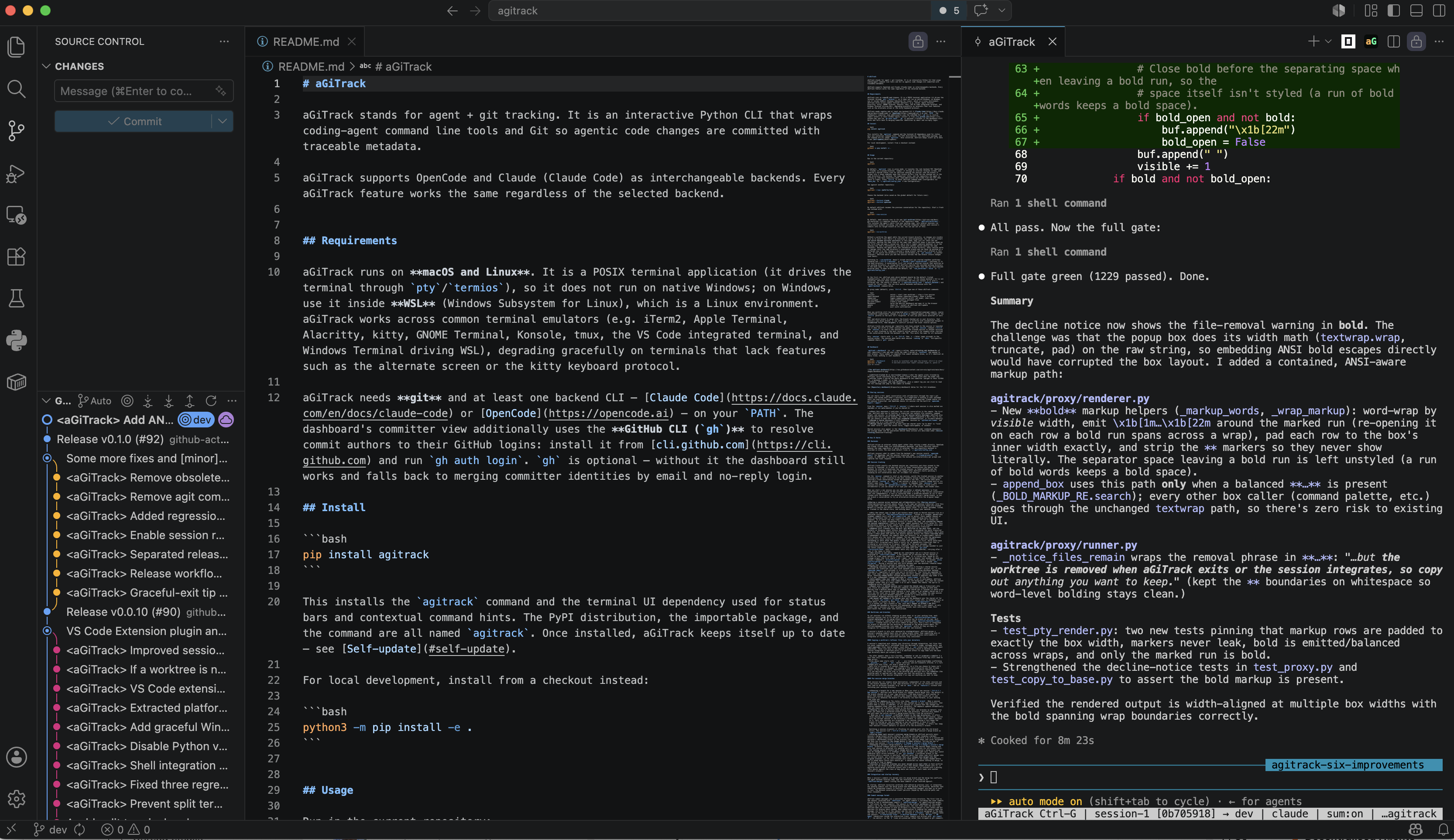
aGiTrack is also available as a VS Code extension. Install it from the Marketplace and launch aGiTrack inside VS Code with one click — the aG button in the editor toolbar (top-right), or the aGiTrack: commands in the Command Palette. It runs the real aGiTrack CLI in an integrated terminal (installing the CLI on first use if it's missing), so you get the complete experience — the agent's native interface, the Ctrl-G menu, sessions, sharing, worktrees, and per-turn auto-commits. See Editor integration for details.
Run in the current repository:
agitrackRun with no arguments and aGiTrack asks which mode you want: a menu of every mode, with a line saying what each one is for and the command that goes straight there next time. Move with the arrow keys and press Enter (a number or a mode name works too, and q quits). The first entry, background tracking with automatic commits, is the default, because it asks least of you: you keep using your coding agent exactly as you do now and aGiTrack tracks it from the outside.
Whichever mode you pick, aGiTrack opens that repository's dashboard in your browser as it starts. See Dashboard.
To skip the menu, name the mode on the command line:
| Command | Mode |
|---|---|
agitrack -b |
background tracking, automatic commits (the menu's default) |
agitrack -b -m |
background tracking, commits you make |
agitrack -i |
interactive TUI in an isolated worktree |
agitrack -i --no-worktree |
interactive TUI on your current branch |
agitrack -i -m |
interactive TUI, commits you make |
agitrack -d |
open this repository's dashboard |
agitrack --backtrace |
reconstruct past agent sessions |
agitrack status |
report what aGiTrack is running here (same as -s) |
agitrack stop |
stop whatever aGiTrack is running here, in any mode |
agitrack redact |
remove recorded interaction traces from history (see Removing a recorded conversation) |
status, stop and redact are aGiTrack's only bare-word commands; any other bare word is reported as an unknown command (with the known ones listed) instead of being run. To send a single word to the agent as a prompt, put it after --: agitrack -- refactor.
agitrack stop is the one way to stop. Whatever is holding the repository, it stops it: the background tracker, an interactive session, and this repository's dashboard. You do not have to remember which mode you started.
In interactive mode (-i), aGiTrack launches the AI agent's normal interface (Claude, Codex or OpenCode) and sits quietly between you and it — you use the agent exactly as you would on its own. At the bottom of the screen, aGiTrack adds a status line showing: the current session and the branch its work goes into (in bold when that branch isn't the one you have checked out), which agent is running, whether commit summaries are on, and which repository you're working in. Press Ctrl-G at any time to open aGiTrack's own menu (you can change this key with menu_key in ~/.agitrack/config.json — see Configuration).
aGiTrack has two independent choices — how you run it (interactive vs background) and when commits happen (auto vs manual) — that combine into four modes, and the interactive one splits again on whether an isolated worktree is used. Every mode records the same per-turn tracking (interaction trace + token metadata); they differ only in who drives the agent, who triggers the commit, and where the agent's edits land.
| Auto commit (default) | Manual commit (-m / --manual-commits) |
|
|---|---|---|
Background (-b / --background — headless, no TUI; you drive the agent from any UI) |
agitrack -b (the default mode) — aGiTrack tracks the session you drive elsewhere and commits each completed turn itself.No worktree (always). |
agitrack -b -m — aGiTrack tracks the session you drive; you trigger every commit and pending turns fold into it.No worktree (always). |
Interactive (-i / --interactive — aGiTrack runs the agent's TUI) |
agitrack -i — aGiTrack proxies the agent and commits each completed turn for you.Worktree by default (isolated checkout, auto-merged into the target branch); agitrack -i --no-worktree is the same TUI editing your current branch directly. |
agitrack -i -m — aGiTrack proxies the agent; you trigger every commit and pending turns fold into it.No worktree (always) — edits the checked-out branch directly. |
Find threats in your stack.
OX Radar can check high-priority threats, like critical package CVEs, against your context.
Each incident is marked Detected or Not Detected with a remediation plan and proof all tracked in the Response Center.
The probe returned only these fields for this server — auth requirement, protocol and tool list weren’t observed, so they’re not shown (never guessed).
The publisher’s own links, as the registry reports them. These are not sources for the assessment on this page.
Read the latest findings