Scan your whole stack








Are you using puikit?
Find out what’s in your code.
Scan your apps free in minutes (opens in a new tab)Latest version: v1.33.0
puikit was last scanned on 25 Nov 2026 at version 1.33.0. Risk score 0 of 100. No malicious behavior was detected.
| Version | Published | Status |
|---|---|---|
| 1.33.0 LATEST | 25 Nov 2026 | No rules fired |
| 1.32.1 | 24 Nov 2026 | No rules fired |
| 1.32.0 | 24 Nov 2026 | No rules fired |
| 1.31.0 | 22 Nov 2026 | Not shown |
| 1.30.1 | 22 Nov 2026 | Not shown |
Findings for v1.33.0. The score is a capped sum of the weights of the rules that fired — not CVSS, not exploitability, and not a probability. It is not comparable across packages with different scan coverage.
The score describes 1.33.0; other versions have their own rules, not their own score.
The publisher’s own README, as collected from the registry.
PuiKit is a capability-based Python UI framework that supports both TUI (terminal) and GUI (desktop, web) backends. Build apps and widgets once, run them on multiple backends without splitting implementations.
See the documentation for design notes and per-system guides (layout, rendering, color, animation, fonts, widgets, and more).
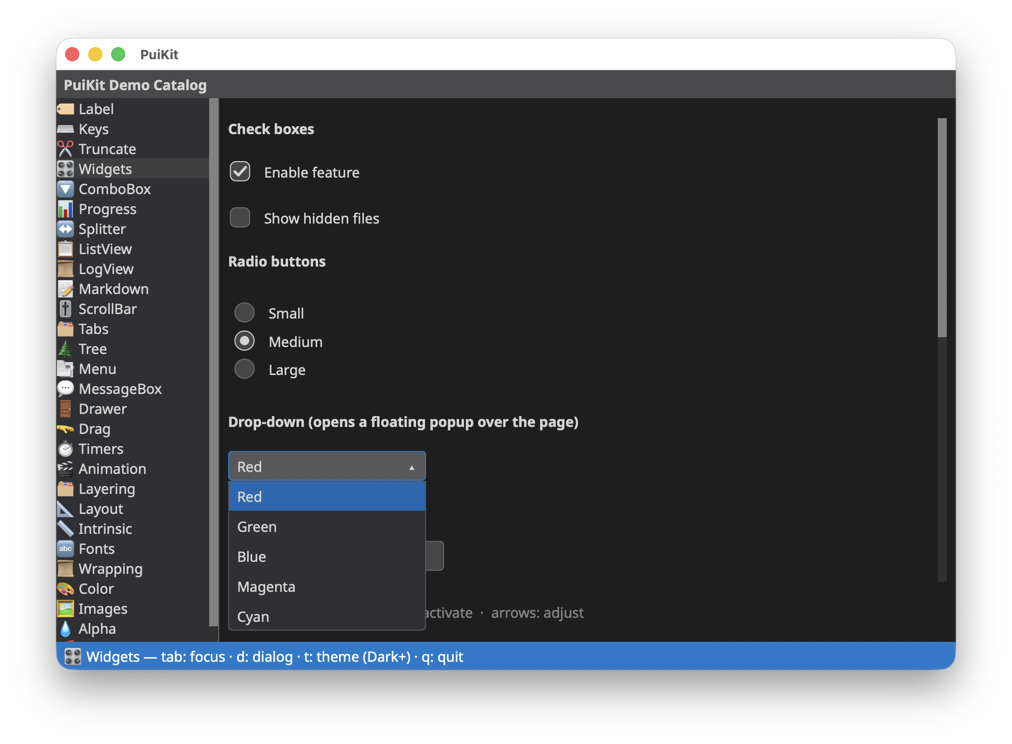
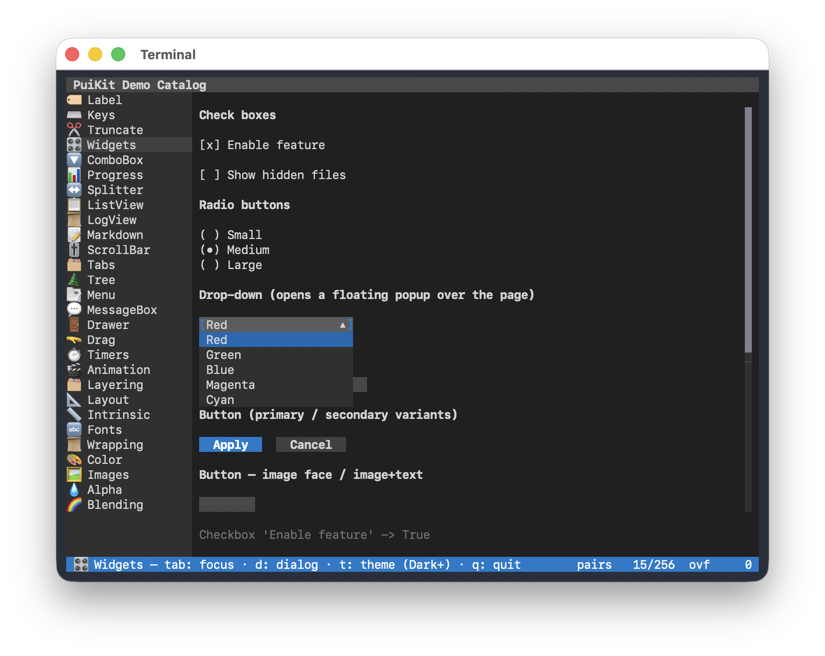
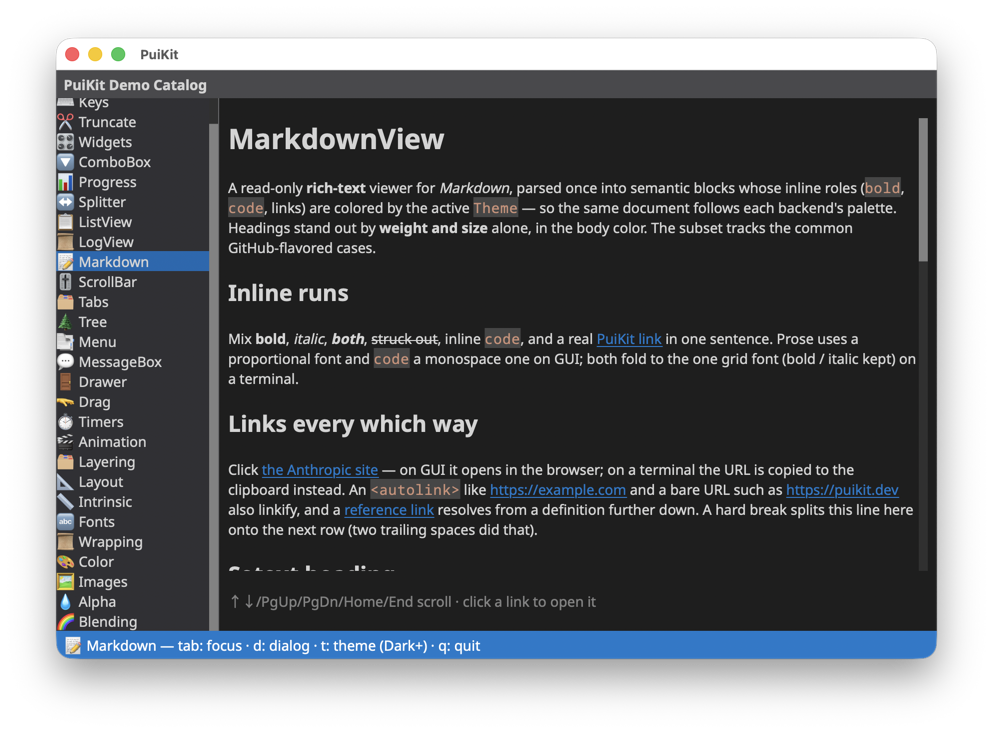
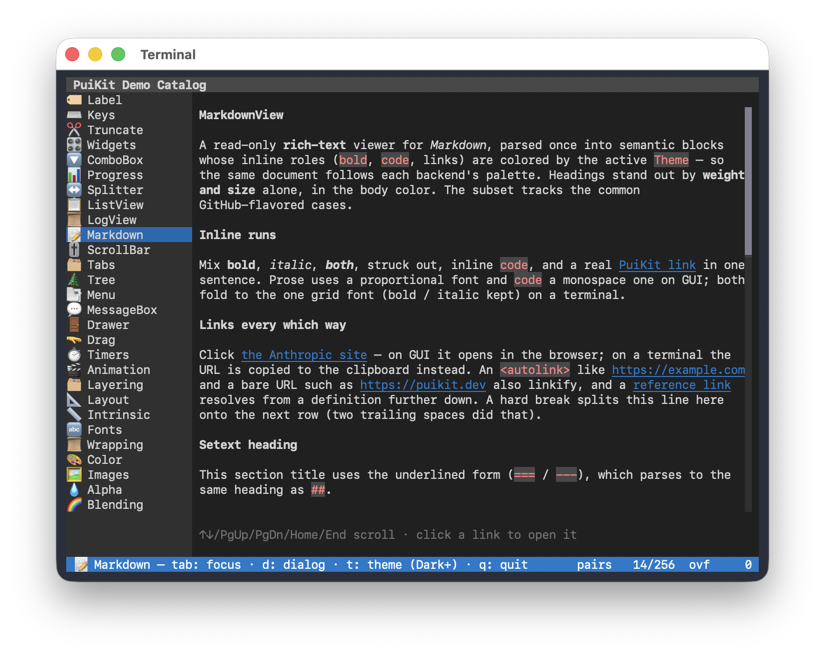
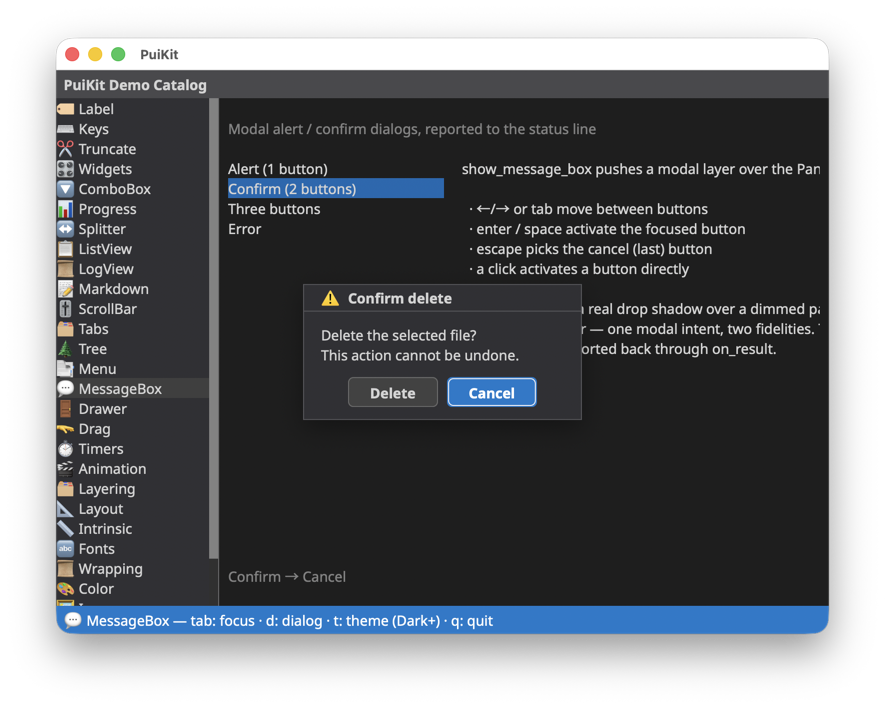
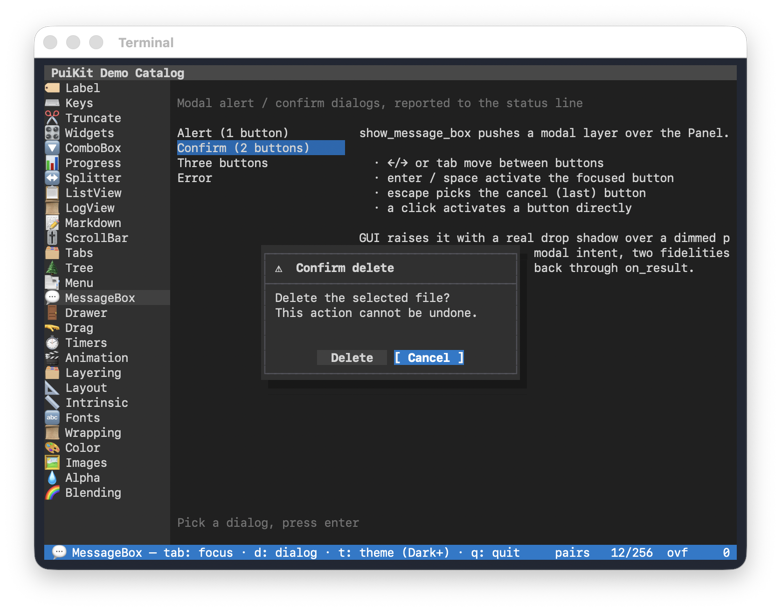
The bundled demo catalog, running unchanged on the macOS GUI backend and in a terminal (curses backend).
| macOS GUI backend | Curses (terminal) backend |
|---|---|
 |
 |
 |
 |
 |
 |
Building something with PuiKit? Open an issue or PR to get it listed here.
Stable release (1.0). Implemented:
Panel, Backend interface, capability profiles, event modelHSplit / VSplit / Item with weights and min_px / min
hints — snapped to whole base units on TUI, resolved at pixel granularity on GUIpanel.animate(widget, hints={"transition": "fade", "duration_ms": 200})
— transitions fade (opacity), slide (position), scale (visual zoom),
size (layout reflow), and highlight (color) rendered on the macOS
backend; immediate switch on TUILabel, ListView, ScrollBar, ContainerVTBackend — TUI, all platforms ("tui"); owns the terminal directlyCursesBackend — TUI escape hatch ("curses") for terminals off the
xterm dialect; macOS and Linux only, deprecated, removed in 2.0MacOSBackend — macOS native GUI (PyObjC, installed automatically on macOS)WindowsBackend — Windows native GUI (raw ctypes; Direct2D/DirectWrite)WebBackend — runs in a web browser, launched with webbrowser over a
local WebSocket (--backend web; see docs/web_backend.md)MemoryBackend — headless, for testspip install puikitThat's all you need — the base install ships a working TUI on every platform, and a native window on macOS (PyObjC installs automatically). The minimal app below then runs as-is, with no repository checkout required.
Want to see it move right away? The hello-world example is a single self-contained file — download and run it without cloning the repo:
curl -O https://raw.githubusercontent.com/crftwr/puikit/main/examples/hello_world/main.py

python3 main.py                  # TUI — in a terminal, any platform
python3 main.py --backend gui    # native window — macOS
python3 main.py --backend web # opens a browser tab — any platformfrom puikit import EventType, Panel
from puikit.backends import create_backend
from puikit.widgets import Label
backend = create_backend("tui")
with backend:
panel = Panel(backend)
panel.add(Label("Hello, PuiKit!"), x=2, y=1, w=30, h=1)
panel.render()
def on_event(event):
if event.type is EventType.KEY and event.key == "q":
backend.quit()
return
panel.dispatch_event(event)
panel.render()
backend.run_event_loop(on_event)Run it in a terminal for the TUI backend, or pass --backend gui (macOS) /
--backend web (any platform) if you wire up argument handling like the
bundled examples.
Clone the repository, then install editable with the dev extras:
python3.14 -m venv .venv
.venv/bin/pip install -e ".[dev]"

# Run the examples (in a terminal)
.venv/bin/python examples/hello_world/main.py
.venv/bin/python examples/demo_catalog/main.py

# On macOS, the same examples in a native window
.venv/bin/python examples/hello_world/main.py --backend gui
.venv/bin/python examples/demo_catalog/main.py --backend gui

# Or in a web browser (opens a tab; works on any platform)
.venv/bin/python examples/demo_catalog/main.py --backend web

# Run the tests
.venv/bin/python -m pytestpip install puikit)See LICENSE.
Find threats in your stack.
OX Radar can check high-priority threats, like critical package CVEs, against your context.
Each incident is marked Detected or Not Detected with a remediation plan and proof all tracked in the Response Center.
The probe returned only these fields for this server — auth requirement, protocol and tool list weren’t observed, so they’re not shown (never guessed).
The publisher’s own links, as the registry reports them. These are not sources for the assessment on this page.