Scan your whole stack


From OX Research Newsroom






Are you using syna-agent?
Find out what’s in your code.
Scan your apps free in minutes (opens in a new tab) Read the latest findings
Latest version: v2.0.15
syna-agent was last scanned on 27 Nov 2026 at version 2.0.15. Risk score 0 of 100. No malicious behavior was detected.
| Version | Published | Status |
|---|---|---|
| 2.0.15 LATEST | 27 Nov 2026 | No rules fired |
| 2.0.14 | 27 Nov 2026 | No rules fired |
| 2.0.13 | 27 Nov 2026 | No rules fired |
| 2.0.12 | 27 Nov 2026 | Not shown |
| 2.0.11 | 12 Nov 2026 | Not shown |
Findings for v2.0.15. The score is a capped sum of the weights of the rules that fired — not CVSS, not exploitability, and not a probability. It is not comparable across packages with different scan coverage.
The score describes 2.0.15; other versions have their own rules, not their own score.
The publisher’s own README, as collected from the registry.
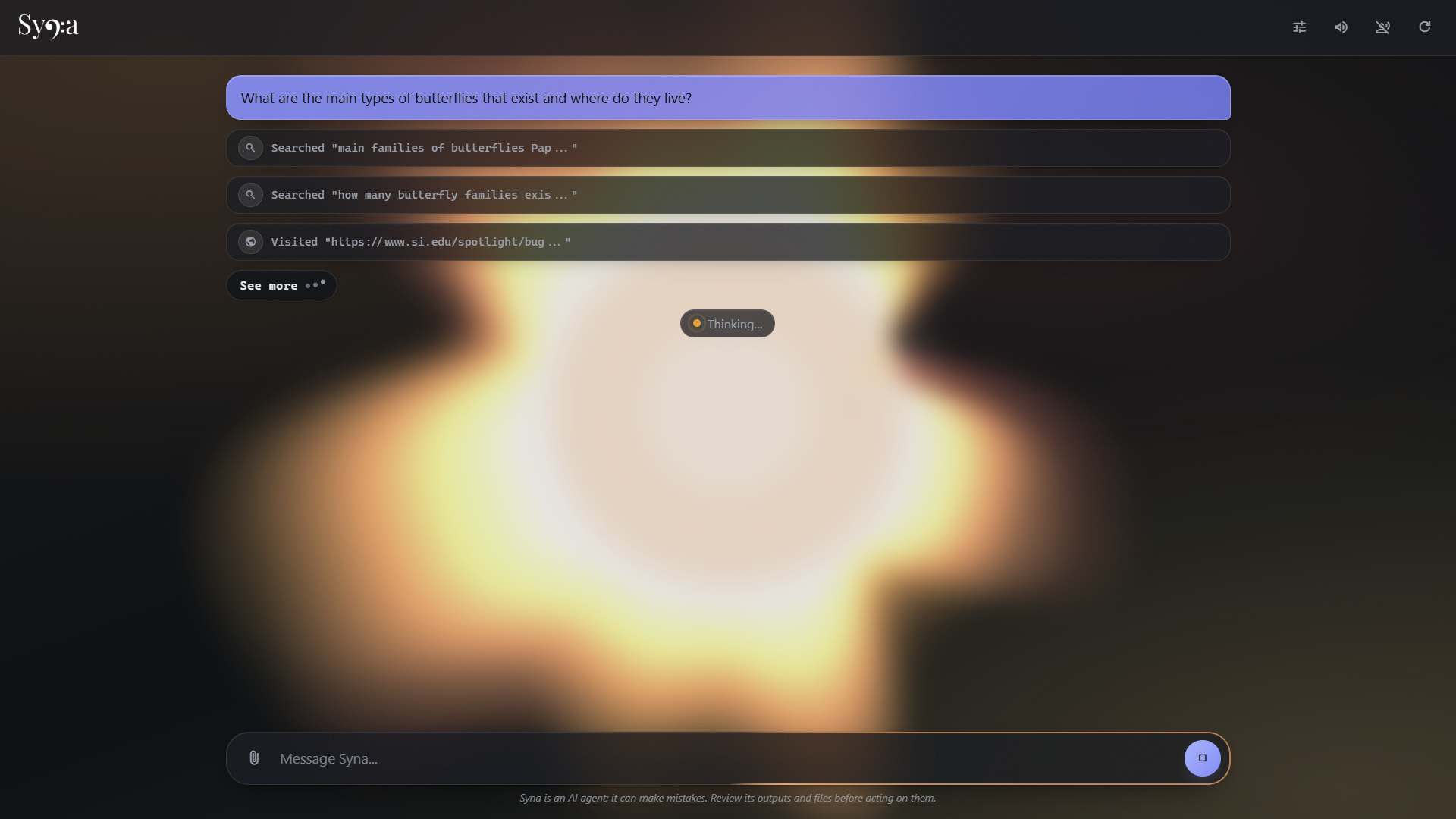
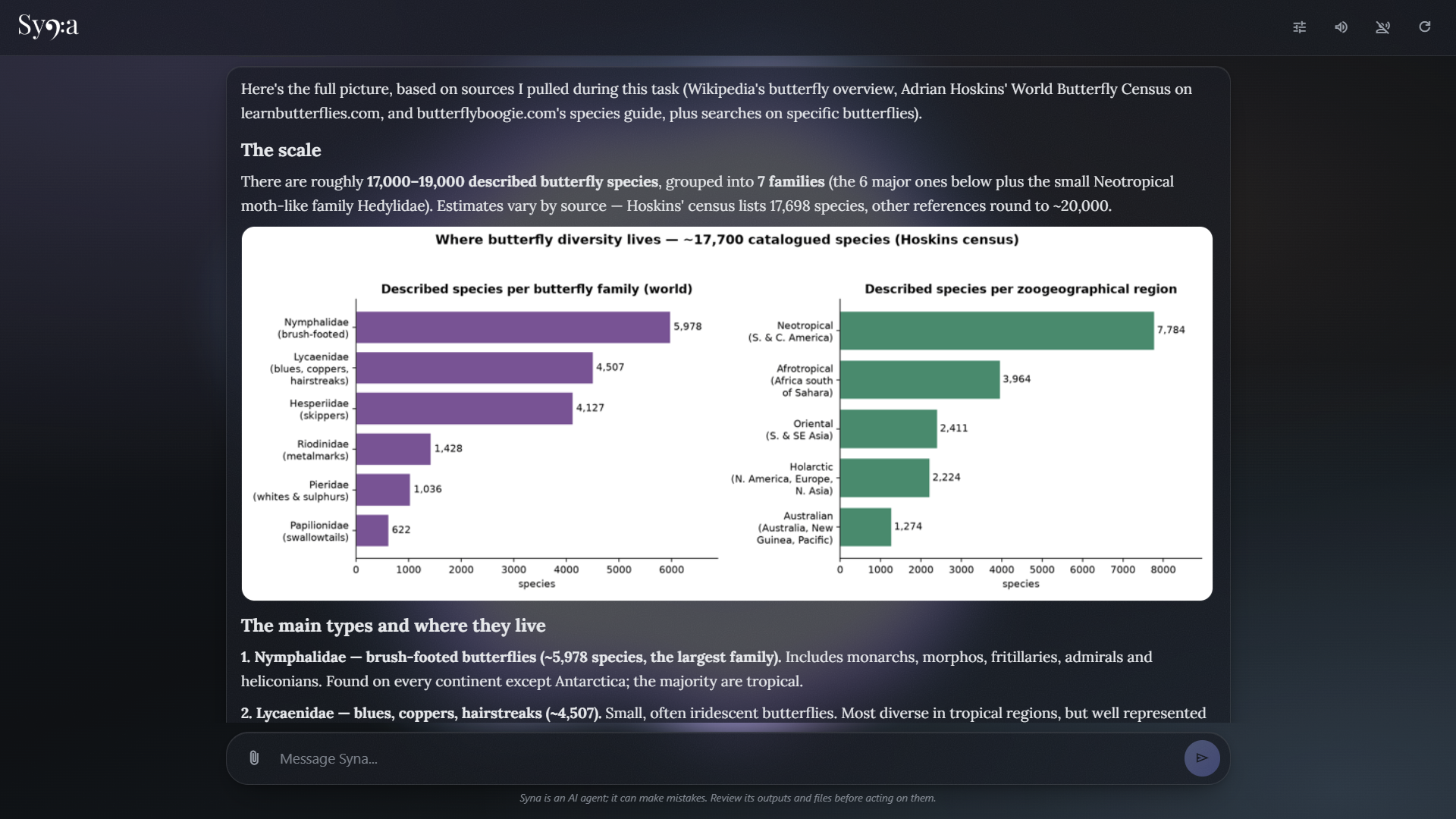
Syna has a pod, a Debian container, and her commands run inside of it. They cannot touch your actual system. She can only see what you decide to share with her. She respects your boundaries.
Syna has a browser, and native web search and web interaction tools, no API key required.
Syna has a voice; enable voice mode to talk to Syna and listen to her. She can transcribe an audio file into text, and the other way around, powered by the models of your choice.
Syna has sight; she can understand images and ensure the documents, graphs and websites she creates look just right before sharing them with you. Say goodbye to troubleshooting broken layouts.
Syna has a canvas, and your favorite model is the brush. Ask her to paint something for you, and she will take care of the rest.
Syna has principles. She knows how to do her research, supports her answers with sources, and verifies her own work.
Syna has a pen, and her notebooks have an index. Long files don't scare her, she can locate the exact line that needs to change, and replace it without having to read the entire file and spit it out like a maniac.
Syna has a control panel, and it's a gift for you. Customize everything. Don't want voice mode or image generation? Disable them, they'll stay off.
Syna has patience. She is ready for long and complex tasks. When her workspace gets cluttered, she doesn't panic, she tidies up. She uses elision, compaction, and caching to keep your bills low and make every token count.
Syna has connections. OpenRouter is her best friend, but she also works with OpenAI, Google Gemini, local Ollama, or any OpenAI-compatible endpoint. Pick your favorite.
Syna is a star, and she looks like one. She pulses in the background as she works, changes colors, and thinks in polytones. She knows the agent of the future shouldn't look like a gray chat.
Open your Terminal and paste the following command to install Syna:
uv tool install syna-agentThe
uvpackage manager is the recommended way to install Syna. If you don't have it installed, run the following command depending on your system:
- Windows:
powershell -ExecutionPolicy ByPass -c "irm https://astral.sh/uv/install.ps1 | iex"- Linux:
curl -LsSf https://astral.sh/uv/install.sh | sh
Syna is now installed. Enter the following command into your Terminal to run it:
synaThen, open your browser and go to the following url: http://127.0.0.1:8000
Stopping the server. Press
Ctrl+Cin the terminal (orCtrl+Breakon Windows). If nothing happens, you probably have text selected in the terminal window — on Windows Terminal,Ctrl+Ccopies instead of interrupting while anything is highlighted. PressEscto clear the selection and try again. The same applies tosyna-cli.
Before you start, run the following command:
syna-setupA wizard will guide you into configuring your API key, model, and other settings.
It saves them into an .env file in ~/.syna.
Create a new file in ~/.syna/.env with the following contents:
OPENROUTER_API_KEY=your-api-key         # Your API key goes here
MODEL=~z-ai/glm-flash-latest            # Or any model of your preference
BASE_URL=https://openrouter.ai/api/v1   # Optional: Any OpenAI-compatible endpoint
THINKING_EFFORT=medium                  # Can be either of none|minimal|low|medium|high|xhigh|max
Voice mode is enabled by adding speech models to the same .env file:
STT_MODEL=google/chirp-3                    # Transcribes microphone recordings
TTS_MODEL=google/gemini-3.8-flash-lite-tts  # Reads the answers out loud
TTS_VOICE=Kore                              # Optional: voice of the TTS model
SPEECH_LANGUAGE=en                          # Optional: ISO-639-1 code, English by default
Image generation (the model's text_to_image tool) is enabled the same way:
IMAGE_MODEL=google/gemini-3.1-flash-imagePlease note that you need to have either
PodmanorDockerinstalled on your system. The setup wizard can install it for you in one click, or you can also do so manually. Podman is the recommended option, visit podman.io to get it.
You're good to go. All it takes is:
syna-cliYou can click on a message to copy or download it. We believe the decision to save a message is yours to make, and hoarding should not be the default.
You pay only for what you use, at the rates of the provider you choose. Syna performs elision and compaction to keep the cache hit rate high and the context under control, so you get the most out of each token.
No. Syna searches the web with her own browser, which is hardened to run safely on your machine, so you don't have to trust anyone else with your network traffic.
Any modern model with native tool calling from a supported provider: OpenRouter (recommended, most tested), OpenAI, Google Gemini, Ollama (local), or any OpenAI-compatible endpoint. We picked ~z-ai/glm-flash-latest as the default because it's reasonably priced and has performed well in our testing.
Syna runs her commands in an isolated container. She has no direct access to your computer and can only see the files you decide to share with her. The few tools that run on your machine are hardened so they cannot access your files or execute code.
Each conversation is independent, for accuracy and safety. To carry information into the next conversation, share it with her explicitly.
Syna only shares your messages with the provider you choose. Her container and the entire chat are deleted from your device whenever you exit the app or start a new chat.
Find threats in your stack.
OX Radar can check high-priority threats, like critical package CVEs, against your context.
Each incident is marked Detected or Not Detected with a remediation plan and proof all tracked in the Response Center.
The probe returned only these fields for this server — auth requirement, protocol and tool list weren’t observed, so they’re not shown (never guessed).
The publisher’s own links, as the registry reports them. These are not sources for the assessment on this page.
Read the latest findings